HardWareDiag
Check used PC hardware before you buy — from AVITO, eBay, Craigslist, and other marketplaces. One tool for diagnostics, S.M.A.R.T., and stress tests.
How it works
Three simple steps from download to informed decision.
Download
Get the app and bring it to the meetup on a USB stick or run from your laptop.
Run at the inspection
Launch HardWareDiag on the PC you're viewing. A few minutes — and you see real hardware state.
Learn the truth
Report: grade A–F, red flags, S.M.A.R.T. status. No more guessing — decide with facts.
What is HardWareDiag?
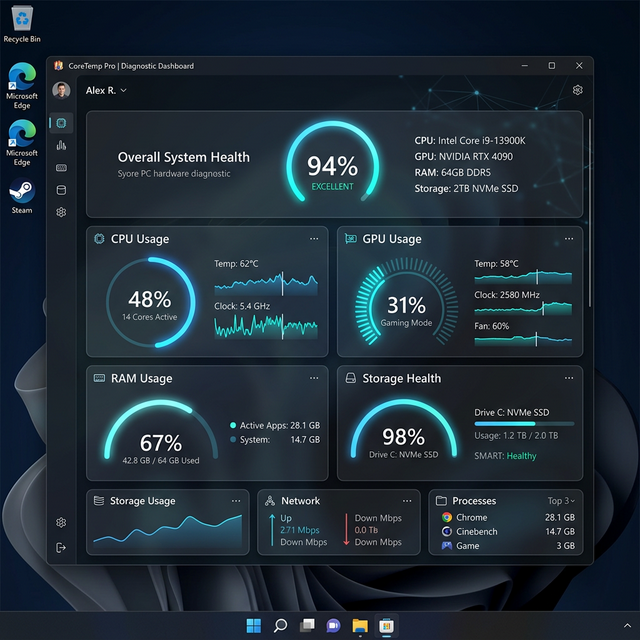
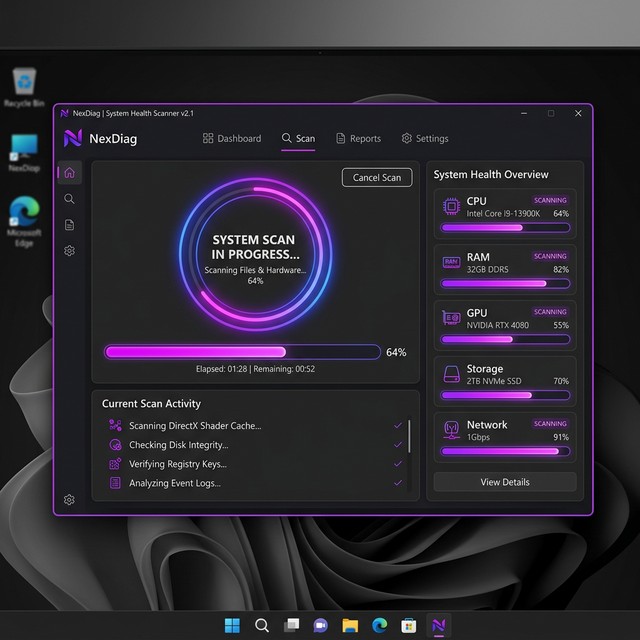
A free Windows app for buyers of used computers. Run it on a laptop or PC before or after purchase to see real hardware health: temperatures, disk S.M.A.R.T., RAM configuration, and an overall grade.
Features
Everything you need to make an informed purchase decision.
Full Hardware Info
CPU, GPU, RAM, disk & motherboard info with live temps and usage
Health Grade
Overall health grade (A–F) and red-flag detection
S.M.A.R.T. Analysis
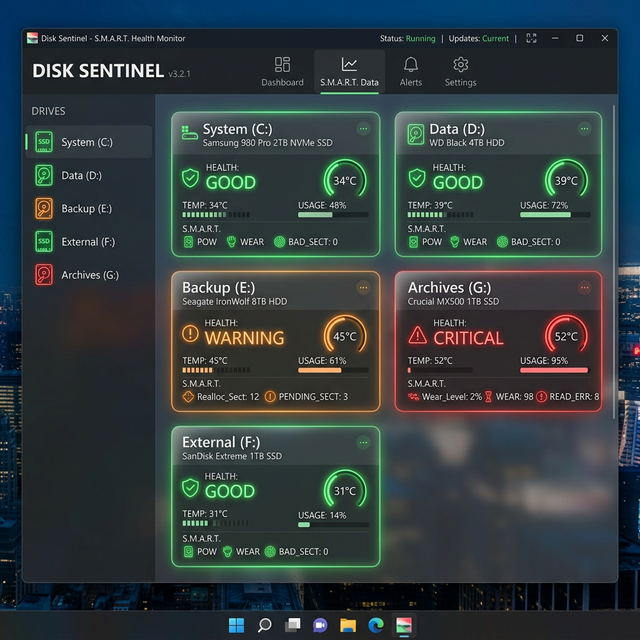
Deep S.M.A.R.T. details for every disk
Stress Tests
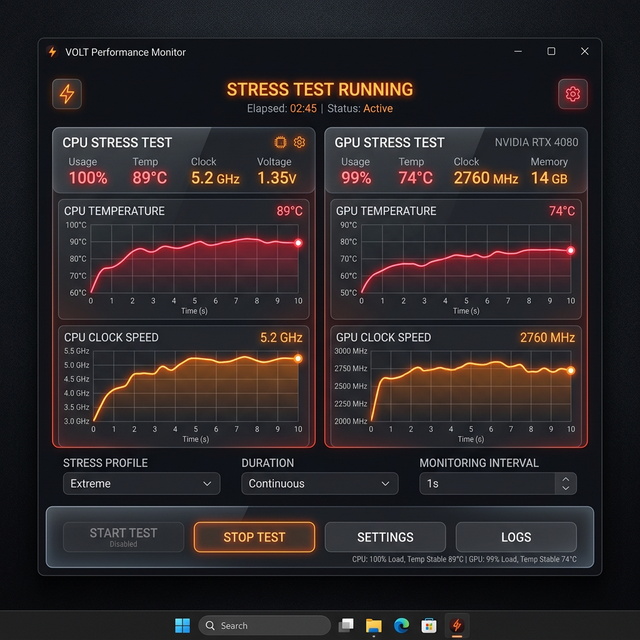
CPU stress test, disk speed test, RAM check
Export Reports
Export report to PDF, copy to clipboard
7 Languages
7 languages: EN, RU, UA, FR, DE, SK, ZH
Open Source
Open source code — your guarantee of no viruses and miners. For system utilities this is critical.
View source on GitHubFor whom
Buyers of used PCs and laptops from classifieds and marketplaces — AVITO, eBay, Craigslist, Facebook Marketplace, Kleinanzeigen, Leboncoin, OLX and others. Also for home users and small offices who want to check their hardware health.
Where people buy used PCs
Popular marketplaces — open the one you use. Run HardWareDiag on the PC before or after purchase.
Buyer's checklist
What to look for when buying a used GPU (and PC)
- Check GPU temperature at idle and under load — hidden overheating kills cards.
- Run a stress test: artifacts or driver crashes mean trouble.
- Check disk S.M.A.R.T. — reallocated or pending sectors mean the drive may fail soon.
- RAM: same speed and capacity in both slots; dual channel for full performance.
- Battery wear (laptops): over 20% wear means short battery life.
- Power-on hours on the system drive — very high hours mean heavy past use.
Normal inspection vs HardWareDiag
See the difference an informed inspection makes.
| ❌ Normal inspection | ✅ With HardWareDiag | |
|---|---|---|
| Visual / boot | Looked at the case; turned it on — seems to work. | Saw hidden memory chip overheating; grade D — walk away. |
| Disk | No idea how much the drive was used. | S.M.A.R.T. pre-failure, reallocated sectors — backup and replace. |
| RAM | Seller says 16 GB. | Mismatched speeds, single channel — real performance hit. |
| Trust | Hope the seller is honest. | Facts on screen — grade, red flags, export PDF for records. |
Frequently Asked Questions
Is HardWareDiag really free?
Does it work on Mac or Linux?
Do I need to install it?
How long does a full check take?
Is my data safe?
Download
Windows only. Free, no registration required.